Your shop online — on any device
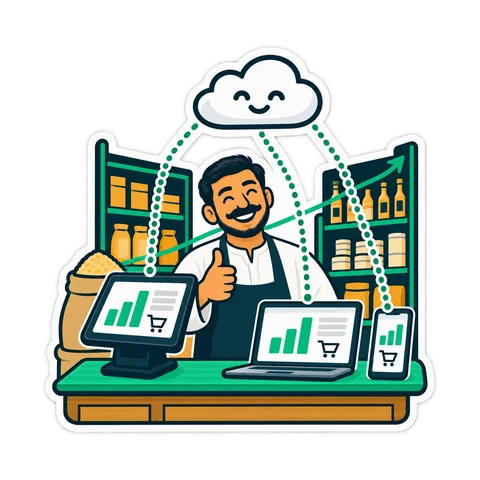
No server, no network setup, no IT person. Sign in from any browser, pair a register with a 6-digit code, and see sales, stock and credit from your phone. The till keeps selling when the line drops.
What changes when the shop is online
Selling, the receipt, the drawer and the scanner are identical to the program. Online adds everything around the till.
Open it anywhere, nothing to set up
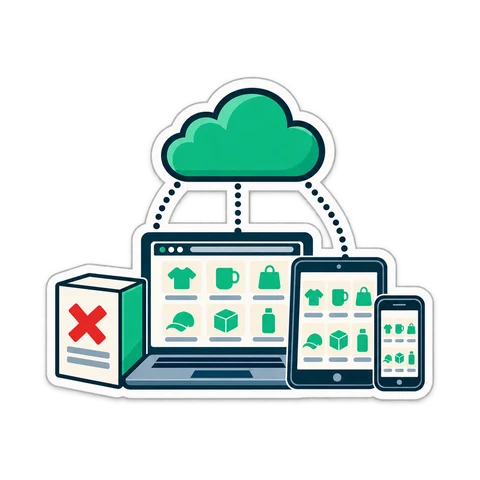
No server, no network, no IT person. Sign in from any browser.

The owner sees the shop from anywhere
Sales, receipts, stock, credit, expenses and Z reports — live.
A new register in a minute
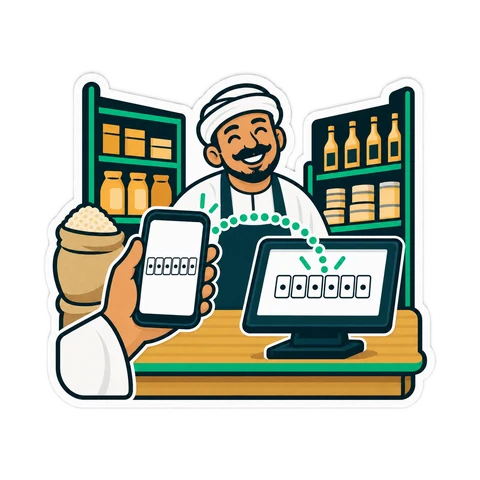
Install the till program, type the code. Every register shares live data; there is no primary PC.
Updates itself, backed up daily
A dead PC costs you a PC, not your history.
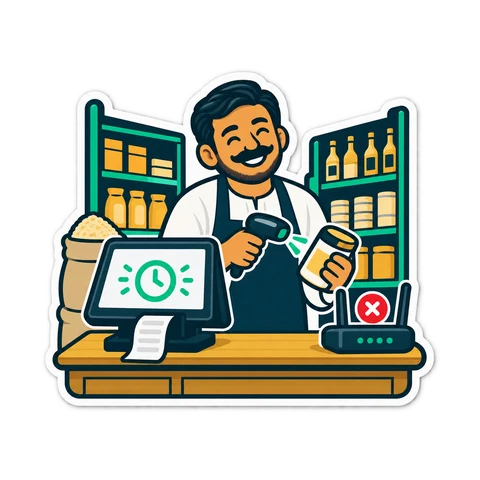
Sells when the line drops
Ordered sync when it returns; nothing doubled.
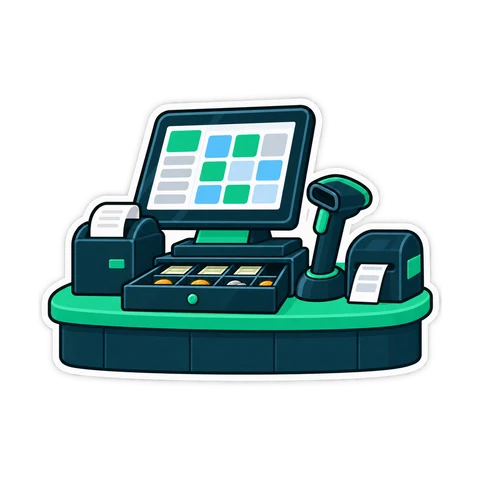
Your hardware as it is
Printer, drawer, scanner, scale, display, kitchen printer — the same as the program.
Your data stays yours
Download everything — products, customers, suppliers, sales, stock, credit and settings — in one file the program can restore, plus a spreadsheet of products. On every plan, even after you stop paying, with a window to take your data. Move back to the PC any time.
Three steps
Sign up
Shop name, e-mail and phone. A code arrives by e-mail — no password to remember, no card.
Pair the register
Install the till program on the register PC, open Connect a register, type the 6-digit code.
Sell
Add products from a spreadsheet or by scanning, pick the printer, print the first receipt — and see it on your phone.
The line drops. The till does not.
- An amber strip says "selling offline — 3 receipts waiting"; the cashier keeps going.
- Cash, card, credit and split sales work; so do returns of receipts the till holds, cash in and out, and opening or closing a shift.
- Receipts get a provisional number and the final one after sync; a reprint or return finds the receipt by either.
- Each sale has its own key, so nothing is ever doubled.
- Editing products, settings, reports and the phone wait for the line.
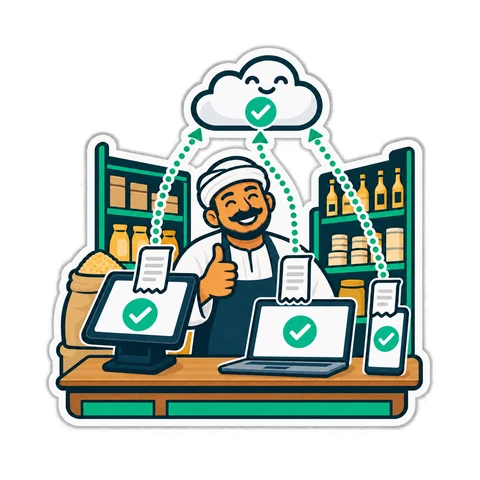
Windows today; Mac and Linux coming

The CreekPOS till program
A full-screen program that drives the hardware and sells offline. Windows 10 and 11 now; macOS and Linux versions are coming.
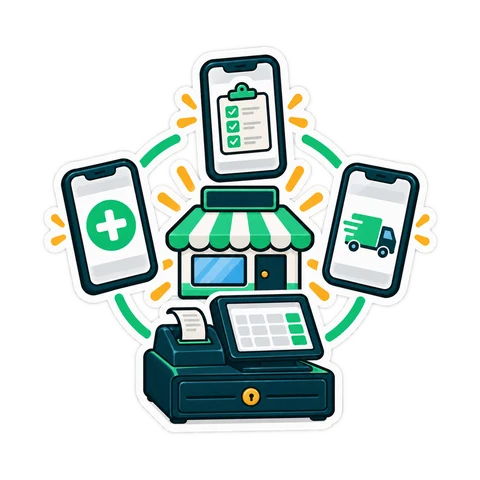
Phones and tablets
Every management page in the browser, including the camera scanner for stock-takes. Selling needs a till program.
Menu, table ordering and an online shop
They read the till's products and prices, so there is nothing to keep in sync.
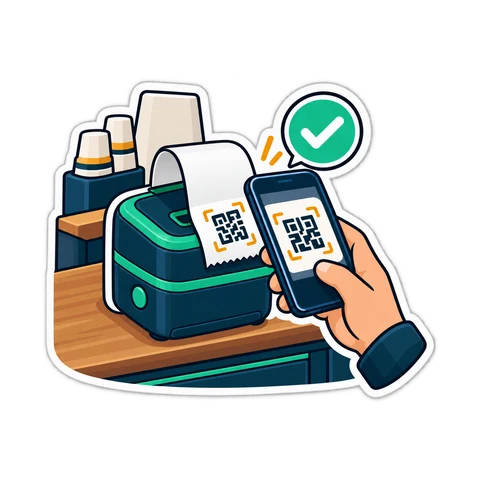
Online menu
A public page with categories, pictures, sizes and add-ons; prices shown or hidden; sold-out items marked.
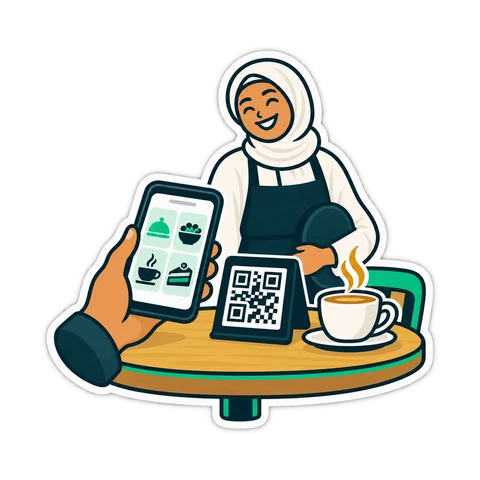
Ordering from the table
A QR code per table; guests order, call the waiter and ask for the bill; staff confirm; one running bill.
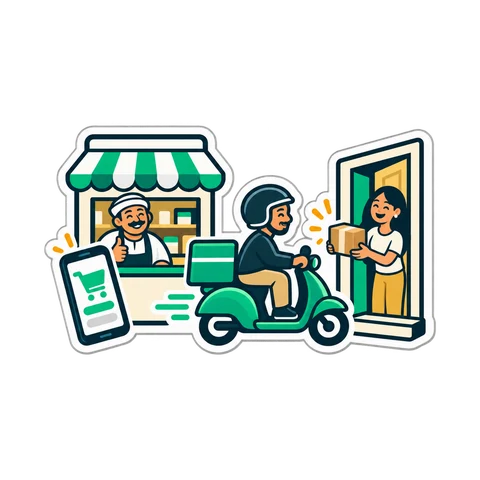
Online shop
Cash on delivery or pickup, delivery areas with a fee and a minimum, opening hours, a status page for the customer.
Questions about CreekPOS Online
Do I have to install anything?
Not for management. Selling needs the small till program on the register PC so it can drive the printer and keep selling offline.
What do I need to start?
An e-mail address, a PC per register, an internet connection with a phone hotspot as a fallback, and a printer. No card.
Does selling really work offline?
Yes. The till keeps a local copy of products and prices, queues receipts and syncs them in order when the line is back.
How do I pay?
By card with automatic renewal, or by bank transfer. Invoices are in the app.
Where is my data and who sees it?
On servers in the European Union, encrypted, backed up daily. Only your accounts see it; support looks only when you ask, read-only, and each look is logged.
Can I leave with my data?
Yes, on every plan, even after you stop paying.
Mac or Linux?
Management works in any browser today. The till program for macOS and Linux is coming.
CreekPOS Online
आपके PC पर प्रोग्राम 7 दिन के लिए, या CreekPOS ऑनलाइन 14 दिन के लिए। हर फ़ीचर, बिना कार्ड, और सेट अप में हम मदद करते हैं।