A complete till. Works offline. Yours to keep.
CreekPOS sells, prints, counts stock, tracks credit and shows you the shop on your phone. Buy the program once, or run CreekPOS Online by the month. We set it up properly — and your data is always yours to export.
No card needed. English, Arabic, Hindi and Urdu interface.
- Complete: selling, receipts, inventory, staff, credit, kitchen, reports
- Keeps selling when the internet drops — on the PC and online
- Buy once for your register, or pay monthly — your choice
- Set up properly: printer, drawer, scanner, products, training
- Your data stays yours: export everything, any day

"Free" at the start — then you pay with your time
The usual path
- Weeks of typing products one by one.
- An evening hunting for printer and drawer drivers.
- The internet drops and the till stops.
- The service changes its terms — or disappears — and your data stays behind.
With CreekPOS
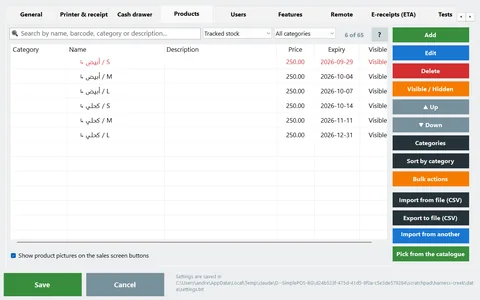
- Products in from a spreadsheet, another program or a barcode scan — with a preview before anything changes.
- The USB receipt printer and the drawer are set up for you; the rest sits in one Devices tab.
- Sells with no internet. The program never needs it; the online till syncs when the line is back.
- Export everything on any day, and move between the PC and online in both directions.
Twelve reasons shop owners choose CreekPOS
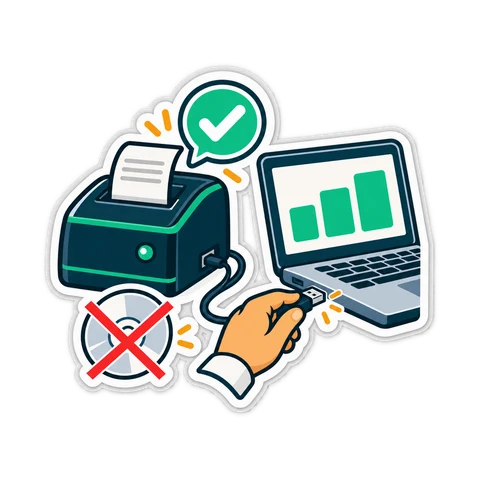
The printer sets itself up
Plug in a common USB receipt printer and sell. Drawer, scanner, scale and display live in one Devices tab with a test button for each. Learn more
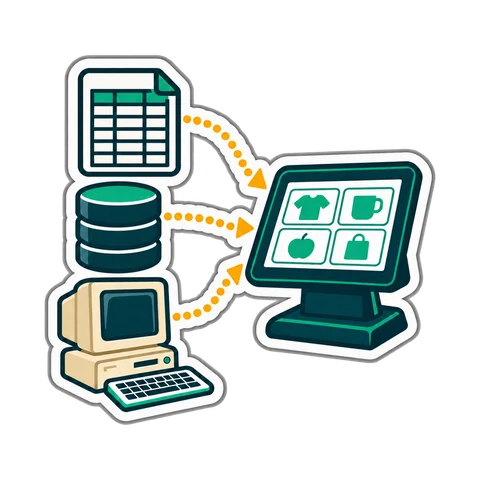
Moving in is easy
Import from Excel or CSV with any column names, from another program's database or from an old copy — with a preview first. Learn more
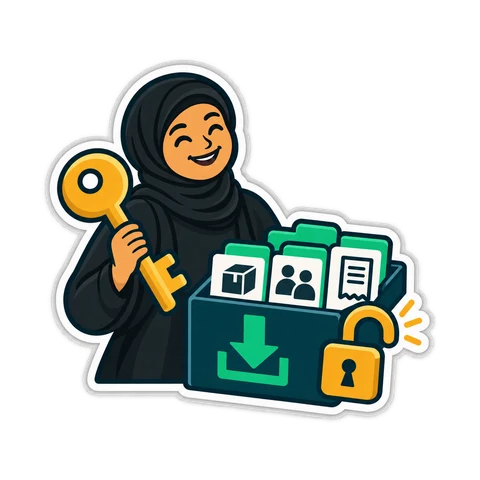
Moving out is too
Export everything — products, customers, suppliers, sales, stock, settings — on the PC or online, even after you stop paying. Learn more

Sells with no internet
The program keeps its data on your PC. The online till keeps a local copy and replays its receipts when the line returns. Learn more
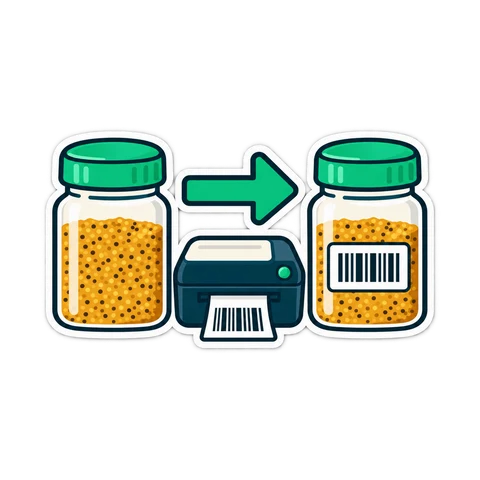
A barcode for every product
Scan what has one; generate in-store codes for what does not; read weight and price labels from your scale. Learn more

Tax invoices built in
VAT per receipt, your TRN on every printout, a simplified receipt on the thermal printer or a full A4 tax invoice for companies. Learn more

Kitchen screen and table ordering
Orders go to a kitchen display or ticket printer; guests can order from a QR code on the table. Learn more

The shop on your phone
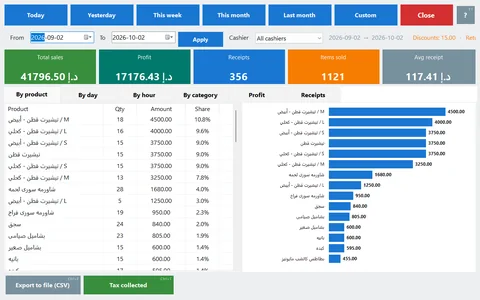
Sales, profit, stock and who owes you — live on your phone, wherever you are. Learn more
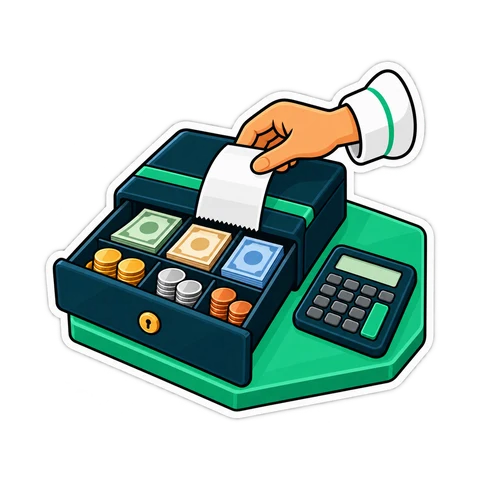
Cash under control
Shifts, X and Z reports, a drawer count at close, rights per cashier and a manager card for approvals. Learn more

Credit customers tracked
Balances, part payments and printed statements — nothing on paper slips. Learn more
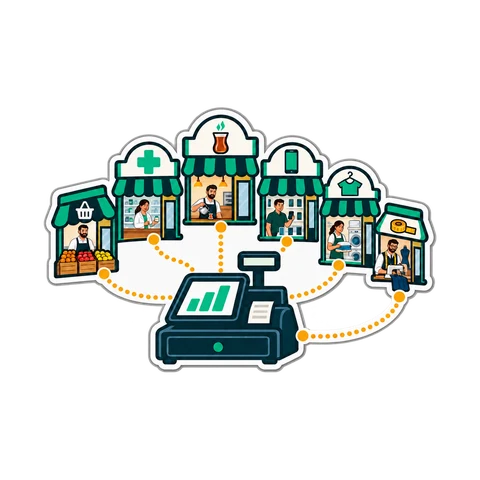
One program for every kind of shop
Grocery, supermarket, café, restaurant, pharmacy, phone shop, laundry, tailor — pick your type and the right features switch on. Learn more

Set up properly, by people who answer
Installation, hardware, products and training — then support in your language from the same team. Learn more
On your PC, or online from anywhere — the same till
The same screens, the same receipt, the same hardware. Your data moves between the two in both directions.
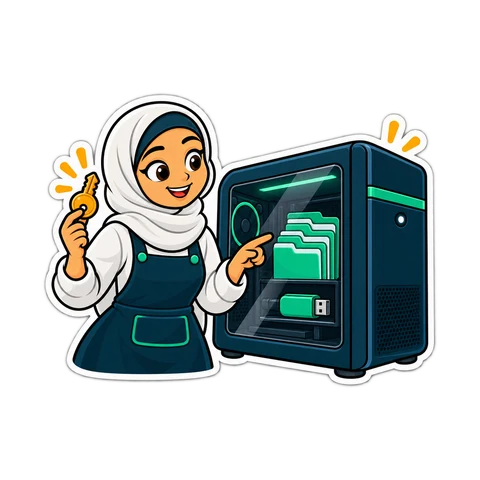
The CreekPOS program
From AED799 once · per register
- Bought once per register — no monthly bill, never switched off remotely
- Never needs the internet; your data is in files on your PC
- Windows today; Mac and Linux coming
- Optional support and updates plan — never required to keep selling
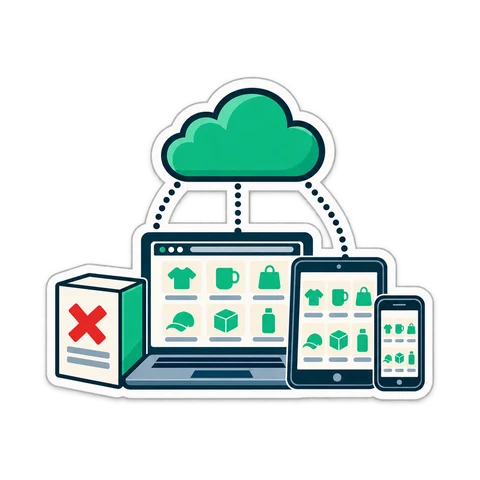
CreekPOS Online
From AED99 / month
- Paid monthly per shop; nothing to install for management
- Opens in any browser, updates itself, backed up daily
- See the shop from your phone; add a register in a minute with a pairing code
- The till keeps selling when the line drops
Not sure? Four questions and you will know. · Prices exclude 5% VAT.
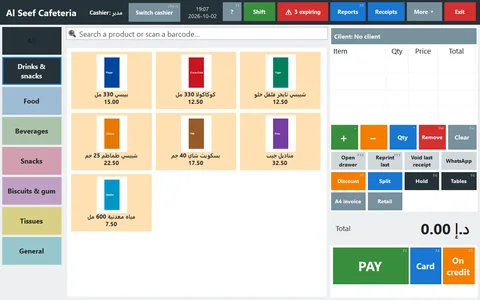
Real screens, not drawings
Quick answers
Does it need the internet?
No. The program works fully offline. CreekPOS Online keeps selling when the line drops and syncs when it is back.
Is there a monthly subscription?
Your choice. Buy the program once per register, or pay monthly for CreekPOS Online. Both are listed on the pricing page.
Can I take my data with me?
Yes. Export everything on any day — on the PC and online — in a format the other edition can read.
Which printers and drawers work?
Any 58 or 80 mm thermal printer with a Windows driver; common USB models are set up automatically. Cash drawers connect through the printer or a USB trigger.
How long does setup take?
Under an hour for a typical shop when products come from a spreadsheet or another program — and we help you do it.
Which languages?
English, Arabic, Hindi and Urdu on the screen; receipts print in the language you choose.
Try CreekPOS free
The program on your PC for 7 days, or CreekPOS Online for 14 days. Every feature, no card, and we help you set it up.